The offline mode option is only available with the Deezer mobile or desktop app. You can't download tracks on the Deezer web player. This article will provide a feasible workaround to download music from the Deezer web player.
With Macsome Deezer Music Converter, you don't have to install the Deezer app on your computer. It can download Deezer tracks, albums, playlists plus podcasts from a built-in Deezer player. As an extraordinarily powerful Deezer Music Converter, it can convert Deezer music to MP3, AAC, FLAC, WAV, and other standard audio formats with lossless audio quality and ID3 tags.
In this part, we will show you how to download Deezer songs from the Deezer web player with the help of a Macsome Deezer Music Converter. It is compatible with Windows and Mac. Here we will use the Windows version. Before starting, please make sure you have installed the latest version of the Macsome Deezer Music Converter on your computer.
Step 1. Login Deezer Music Web Player
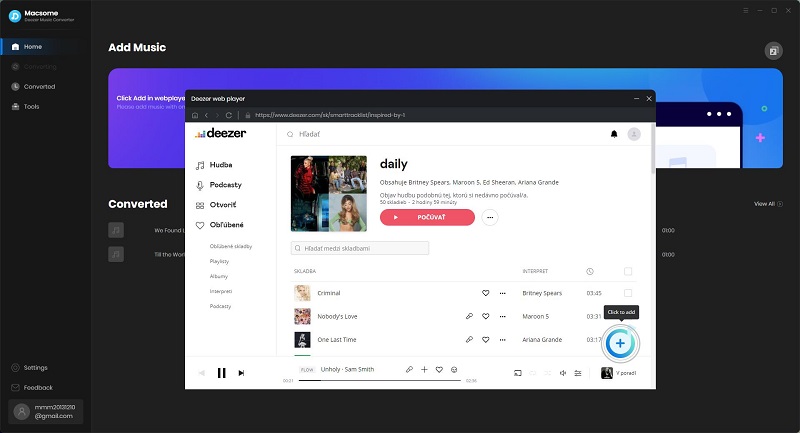
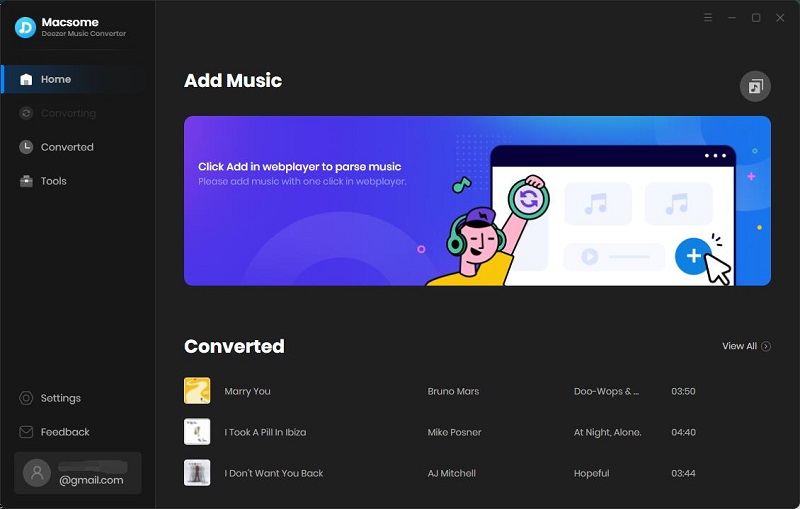
Launch the program, and you have easy access to the Deezer web player by clicking the "Open Deezer Web Player" button on the main interface. Click on "LOG IN" in the top right-hand corner, then you are directed to the login screen. Log in with your Deezer details.
Step 2. Customize the Output Parameters
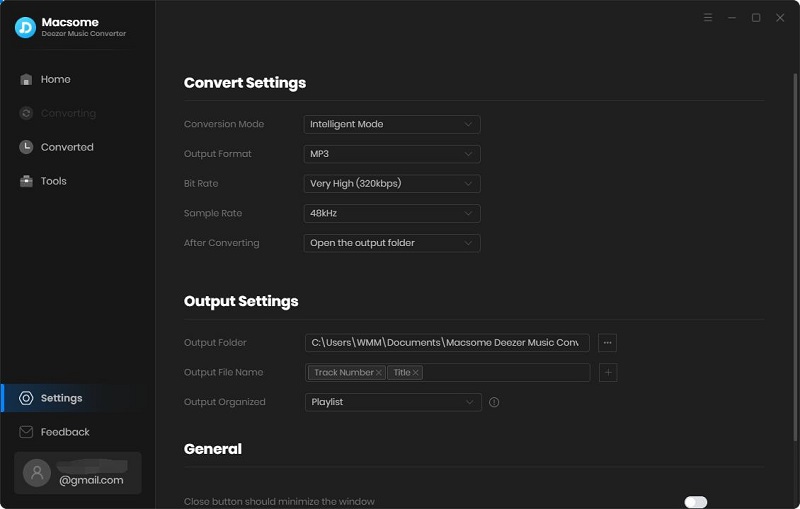
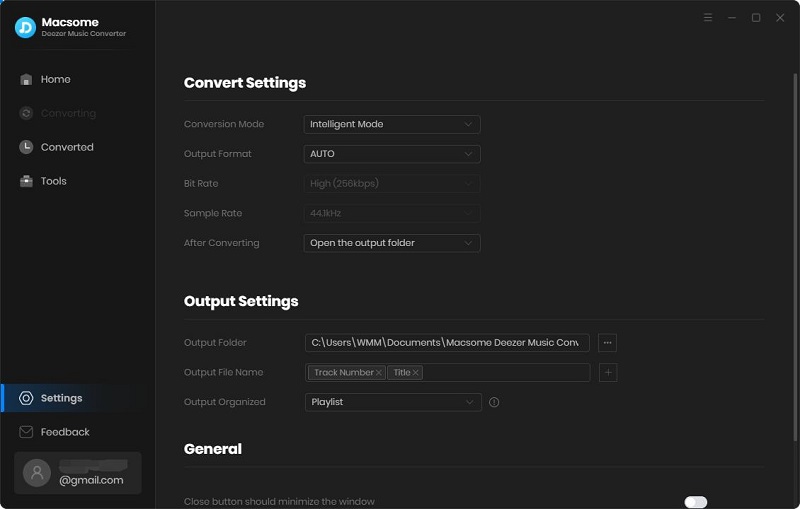
Click on the Settings icon in the top right corner of the interface, and the Settings window will pop up. The output format is set as AUTO by default. Macsome supports multiple output formats, including MP3, AAC, WAV, FLAC, AIFF, and ALAC.
Moreover, you can customize the parameters such as bit rate and sample rate to keep the high quality of Deezer Music songs. You can also change the output directory as you need. The changes will take effect when you close the Settings window.
Step 3. Import Songs or Playlists from Deezer Web Player to Macsome
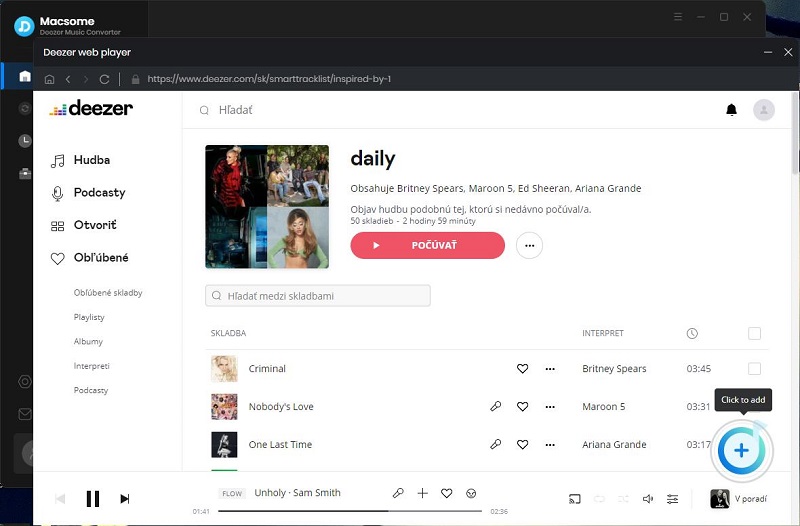
Head to the Deezer library, and open the playlists you want to download. Click the "Add to list" button, and all the songs will be loaded.
Hit on the "Save to list" button, and the selected songs will be added to the task list. Then you can select other playlists and add them in the same way. After all the songs you want are added to the task list, click the "task list" icon button in the upper right to check.
Step 4. Start to Download Deezer Music to MP3
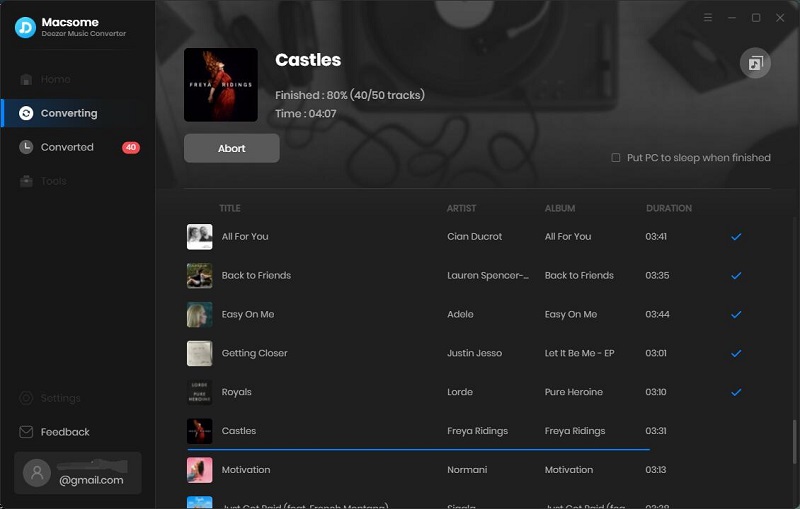
Once all the settings are set well, click the "Convert" button to start downloading process. Macsome supports downloading Deezer songs at up to 10x faster speed with original ID3 tags and quality preserved.
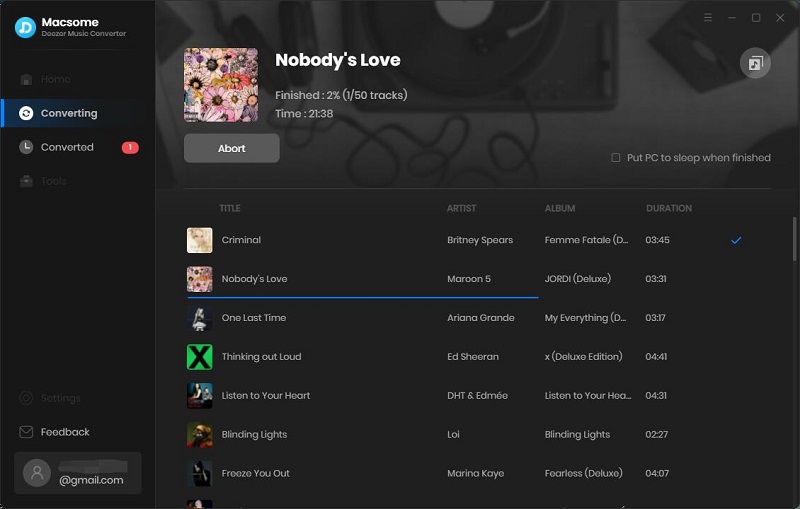
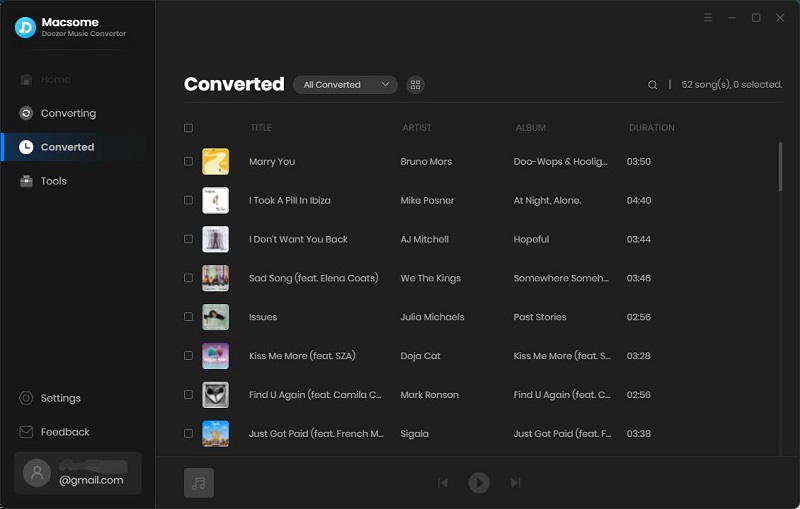
After the downloading is finished, you will find the downloaded Deezer songs saved in the local folder by clicking the history icon. Here is all about how to download music from the Deezer web player.