Showing posts with label convert apple music to android. Show all posts

Friday, August 5, 2016

Android users can use Apple Music App now

android-apple-music
After nine months, Apple Music is out of beta for Android users. And now Apple Music is now available as a fully fledged app and service for owners of Android smartphones.
Of the big three music streaming players–that’s Spotify,  Apple Music, and Tidal–two have had an advantage, being available on both major mobile platforms, iOS and Android. Apple Music, on the other hand, lagged.
In November of last year, Apple did open its Apple Music service to Android, but it was in beta, not officially primed for mainstream use. Beta, for the uninitiated, is often far more buggy since it’s like a soft-opening for a hotel or restaurant, implemented to get the kinks out before an official launch. Apple Music’s beta lasted nine months.
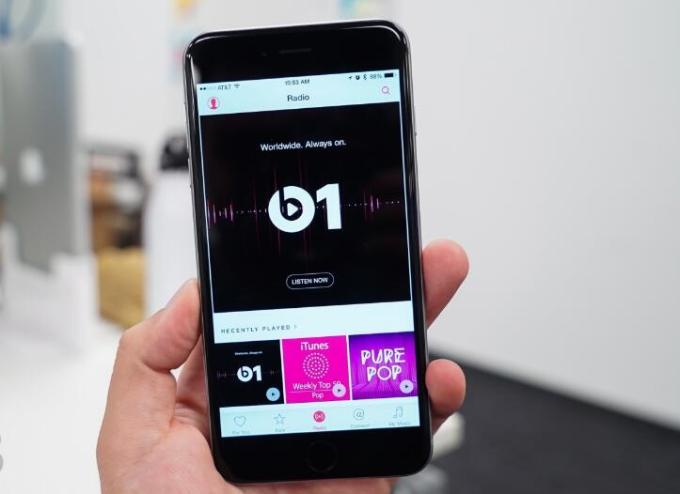
The Android flavor is similar to its iPhone counterpart in that you can stream more than 30 million songs, check out on-demand curated radio stations with your favorite music, listen to playlists created by music experts and tune into the 24-7 Beats 1 radio station to hear music selected by DJs from around the world.
The Android version also includes new equalizer settings as well as unnamed performance, playback and stability improvements, Apple said in its description of the app.
You may also want to read:


Tuesday, September 1, 2015

How to play Apple Music on Android devices & phones

Yet there's good news for Android fans too. Apple Music will be available for your phone or tablet in late 2015 as a standalone app you'll be able to download from Google Play.
So far there is no Apple Music App for Android, if Android users want to listen to Apple Music, how to do?
Apple Music to Android devices
Apple Music is compatible with iOS devices running version 8.4 or later, iTunes version 12.2 or later (OS X Mavericks or later; Windows 7 or later), and the Apple Watch. Have you ever thought of converting Apple Music to MP3 format so as to play them on Android devices?
This is a good solution and can be easily achievable. And you can try use Macsome iTunes Converter to remove DRM from Apple Music and convert Apple Music to MP3 for Android devices.
There are four simple steps to convert Apple Music to MP3, and you can enjoy the Apple Music MP3 files on your Android devices like Android phones, tablets, Smart TV and so on.
First, go to download the free trial version of Macsome iTunes Converter, install and launch it.
Tips: Download iTunesConverter.dmg by clicking http://www.macsome.com/iTunesConverter.dmg.
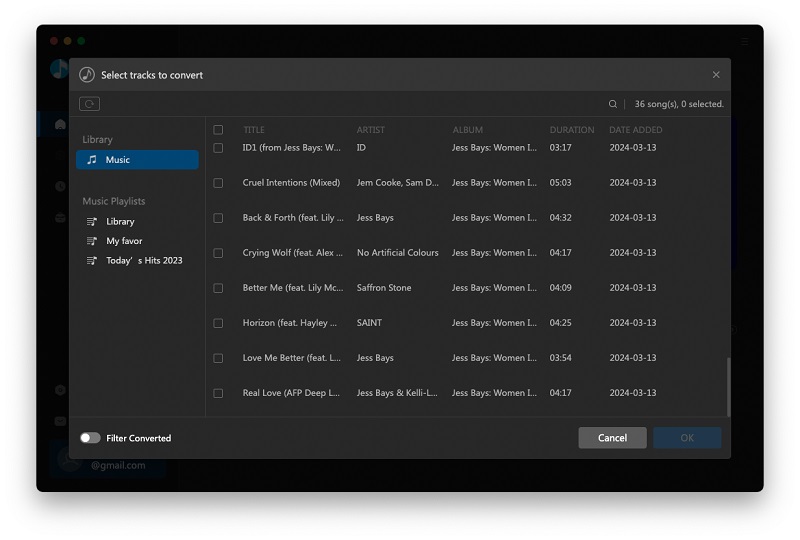
Second, Click Add button and choose the Music library – playlist and add the files you want to convert.
Add Apple Music to Android
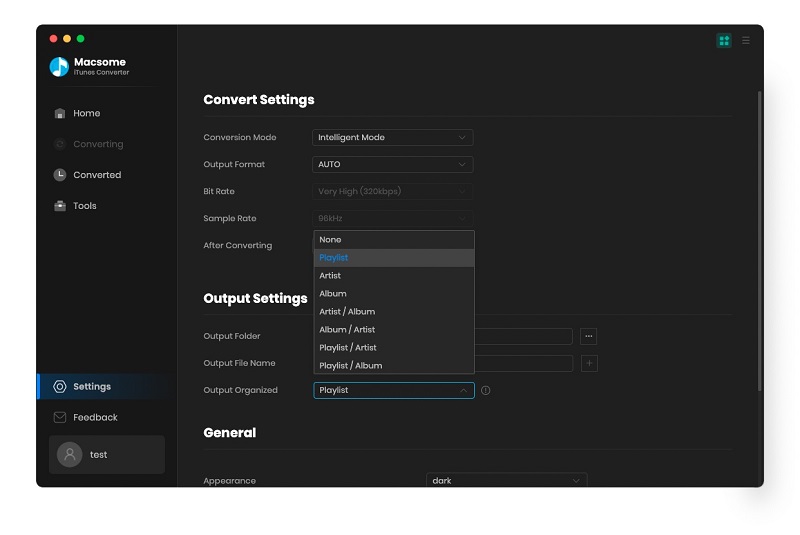
Third. Click Macsome iTunes Converter Menu, and in the drop-down list, choose Preferences, turn to Advanced to set the output format.
Convert Apple Music to Android MP3
Fourth: Click Convert button to start converting Apple Music.
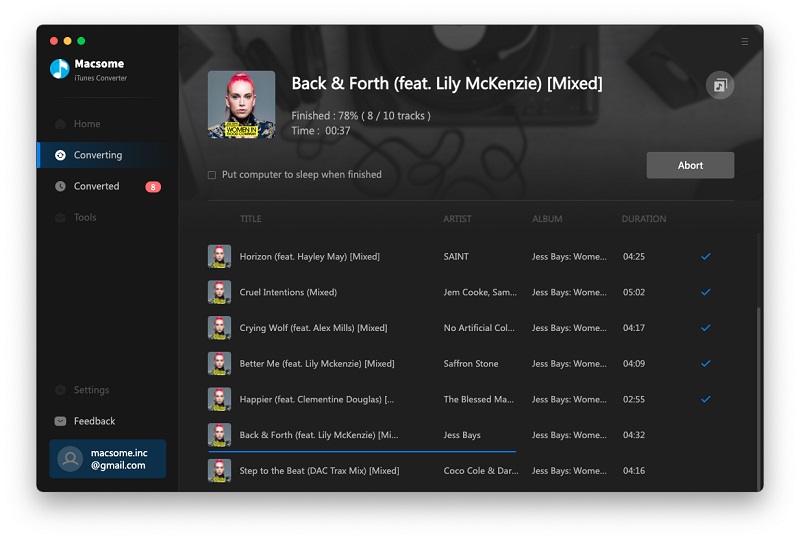
Convert Apple Music to MP3 for Android Devices
When the conversion is completed, all the converted music files are free without DRM, and you can play them anywhere as you like.
Warning: Macsome iTunes Converter is a shareware, which supports a trial version, which can only convert 3 minutes each file. If you want to remove the limitation, purchase a full version of Macsome iTunes Converter (http://www.macsome.com/itunes-converter-mac/buynow.html). You will Love it.